


Hello, how can we help you ?
Rich product documentation and User Guide tutorial guide you to get started quickly


Rich product documentation and User Guide tutorial guide you to get started quickly
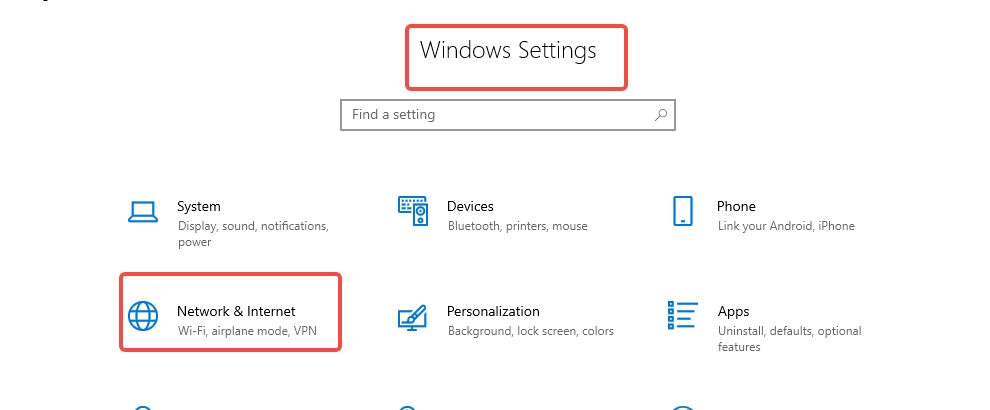
1. To set up a proxy on the Windows 10 operating system, first go to Windows Settings and click on "Network & Internet."
2. In the proxy settings window, scroll down to the Manual proxy settings section and make sure the Use a proxy server switch is turned on.
3. Fill in the address and port fields with the desired endpoint . Then, click "Save."


No more
No more



 English
vmoscloud XCrawl whoer MuLogin Antidetect Browser VMLogin Antidetect Browser Buyaacc BEWISER1 zvcard FoxPhone Cloud Phone
CLOUD BRIDGE INFORMATION TECHNOLOGY CO.,LIMITED @ 2022 All Rights Reserved


