


Xin chào, chúng tôi có thể giúp gì cho anh?
Tài liệu hướng dẫn sản phẩm phong phú và hướng dẫn người dùng hướng dẫn bạn để bắt đầu nhanh chóng


Tài liệu hướng dẫn sản phẩm phong phú và hướng dẫn người dùng hướng dẫn bạn để bắt đầu nhanh chóng

Step 1
Step 2
Add proxy settingsAdd Proxy > Server Name > Server Address > Server Port > Server Type > Save
1. Fill in the server name (optional name)
2. Fill in the local proxy address and server port
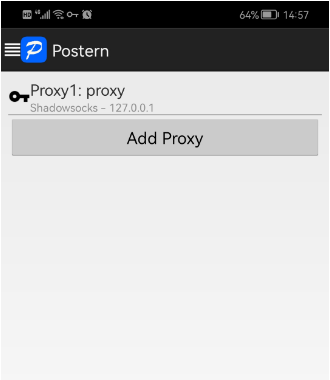
3. Click on the proxy type and select SOCK5
4. Click "Save" to access the target program normally\n\n


No more

 Tiếng Việt
Về chúng ta
vmoscloud XCrawl whoer MuLogin Antidetect Browser VMLogin Antidetect Browser Buyaacc BEWISER1 zvcard FoxPhone Cloud Phone
CLOUD BRIDGE INFORMATION TECHNOLOGY CO.,LIMITED @ 2022 All Rights Reserved


