


你好,
我们能为您做些什么?
我们能为您做些什么?



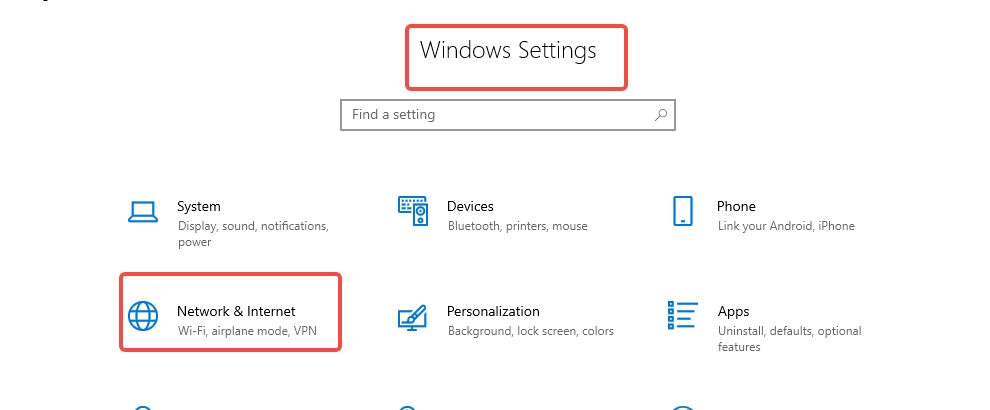
1. To set up a proxy on the Windows 10 operating system, first go to Windows Settings and click on "Network & Internet."
2. In the proxy settings window, scroll down to the Manual proxy settings section and make sure the Use a proxy server switch is turned on.
3. Fill in the address and port fields with the desired endpoint . Then, click "Save."

CLOUD BRIDGE INFORMATION TECHNOLOGY CO.,LIMITED @ 2022 All Rights Reserved



