


你好,
我们能为您做些什么?
我们能为您做些什么?




Step 1
Step 2
Add proxy settingsAdd Proxy > Server Name > Server Address > Server Port > Server Type > Save
1. Fill in the server name (optional name)
2. Fill in the local proxy address and server port
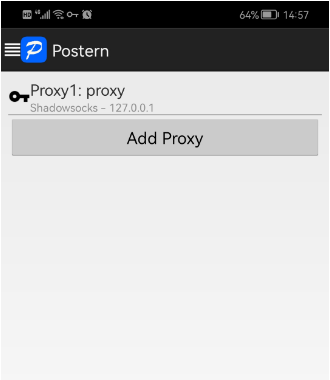
3. Click on the proxy type and select SOCK5
4. Click "Save" to access the target program normally\n\n

CLOUD BRIDGE INFORMATION TECHNOLOGY CO.,LIMITED @ 2022 All Rights Reserved



