



Postern
Postern

How to set up proxy on Postern
Step 1
Step 2
Add proxy settingsAdd Proxy > Server Name > Server Address > Server Port > Server Type > Save
1. Fill in the server name (optional name)
2. Fill in the local proxy address and server port
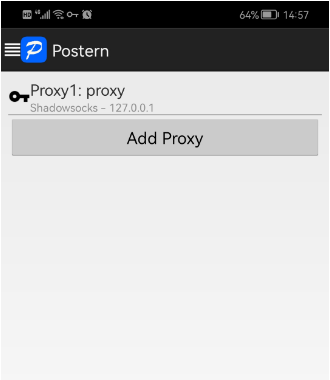
3. Click on the proxy type and select SOCK5
4. Click "Save" to access the target program normally\n\n




